A focused follow-up to our June update, with sharper Training (LEARN), tidier To-Do Lists, and a smoother Kiosk Mode. Plus schedule-change notifications, scheduled breaks, complaint equipment photos, and a smarter in-app help assistant.
WashConsole Team/June 26, 2026/5 min read
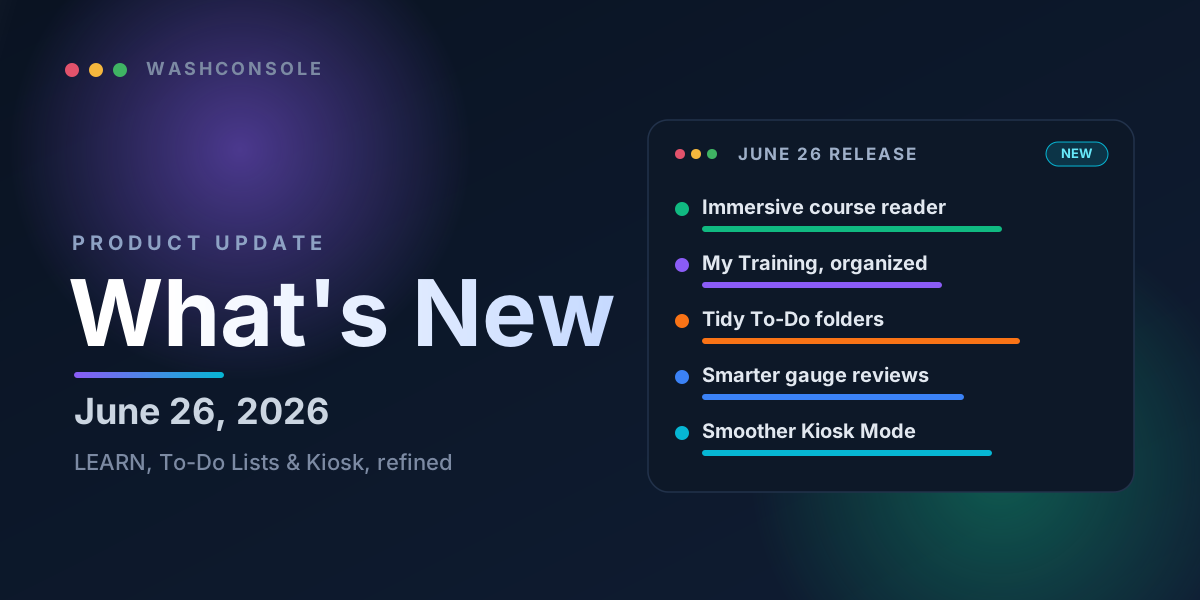
The June 26 release at a glance: a sharper LEARN, tidier To-Do Lists, and a smoother Kiosk Mode.
Still Going
A week ago we shipped our big June product update. We didn't stop. This is a focused follow-up that polishes three of the areas you live in every day, Training (LEARN), To-Do Lists, and Kiosk Mode, along with a handful of other improvements operators asked for. Most of this came straight from your feedback, and it's rolling out across the WashConsole web app now, with the latest landing in the next mobile app update.
A few favorites
01
A cleaner training reader on your phone.
Courses now open full-screen, with your progress and next step always in view.
02
"My Training," organized.
In Progress, To Do, and Completed sections, with tap-to-filter tiles.
03
A simpler To-Do list editor.
One tidy Search · Filters · Sort bar instead of a stack of rows.
04
Smarter gauge reviews.
One "inspect all gauges" task per location, on the schedule you choose.
05
A Kiosk that stays out of the way.
No more locking the screen on a worker mid-video.
Training (LEARN)
An immersive course reader on mobile. On a phone, courses now open in a clean, full-screen reader. Your progress bar and the "next step" button stay pinned in view, so there's nothing between your team and the lesson.
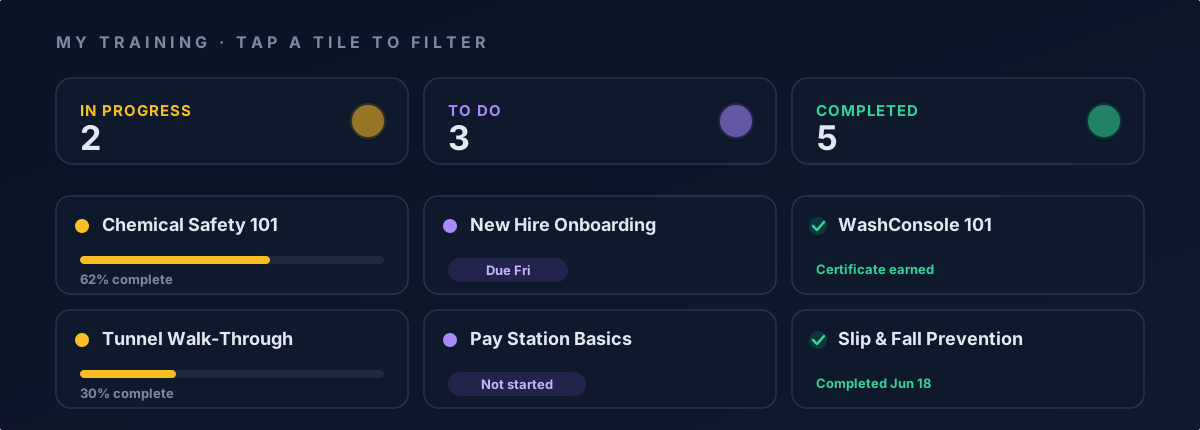
A clearer "My Training" home. Your assigned training is now grouped into In Progress, To Do, and Completed, with tap-to-filter tiles across the top so anyone can jump straight to what's left to finish.
Preview before you assign. Managers can open any course to read through it, read-only, before assigning it to the team.
Smoother reading and video. We tidied up how lessons display on mobile and fixed embedded videos that didn't always play.
Your training home, now split into In Progress, To Do, and Completed. Tap a tile to filter.
To-Do Lists
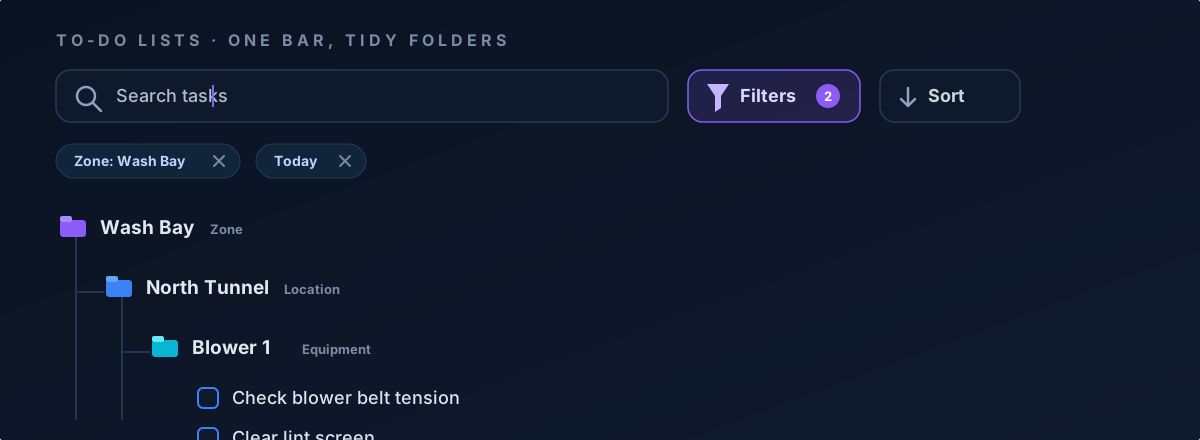
One bar, not a stack. Managing a list is far simpler. The old column of filter rows is now a single Search · Filters · Sort bar, with your active filters shown as removable chips you can clear in a tap. "Manage List" is now simply Edit tasks.
Tidy Zone › Location › Equipment folders. Long lists can fold into nested folders by Zone, then Location, then Equipment, so the day's work stays organized and easy to scan.
Smarter gauge reviews. Choose how often each location's gauges should be reviewed, and WashConsole creates a single "inspect all gauges" task per location instead of a separate task for every gauge.
Filters that only show what's there. Area filters now offer only the zones that actually have tasks: no empty options, and no misleading "still open today" counts.
No more false alarms. Daily and hourly tasks no longer show up as "overdue." And you can attach reference photos when you report an issue or edit a task.
To-Do Lists get a single Search · Filters · Sort bar, removable filter chips, and tidy Zone › Location › Equipment folders.
Kiosk Mode
It won't interrupt training. Kiosk Mode no longer locks the screen on a worker while they're watching a training or complaint video.
Turn it on, no matter your PIN setup. You can now enable Kiosk Mode even when your team's PINs are set up for self-serve sign-in only.
Devices stay connected. A paired kiosk device stays paired until a manager removes it, and a change to the idle-timeout now applies to sessions that are already running: no need to sign out and back in.
More Improvements
Schedule change notifications. Employees are now notified when a week's schedule is published, and again whenever one of their shifts is changed or removed.
Scheduled breaks. Build paid and unpaid breaks right into shifts in the Quick Week Builder, and they carry through everywhere the schedule is shown.
Document your own equipment on a complaint. Complaints now include an "Our Equipment" photo area, so you can record damage to your own equipment alongside the vehicle photos.
A smarter help assistant. WashBot, the in-app assistant, can now answer questions about your own account's data across features, not just how-to questions.
Bug & Glitch Fixes
We also spent time tightening the details. A few you might notice:
In-app camera capture is back. Taking a photo directly from a phone's camera works again on mobile-web photo fields.
A cleaner mobile task list. The manager task view on phones is tidier and faster.
Better autocomplete. Chemical name, model, and manufacturer fields now size themselves to their content instead of clipping.
A cleaner sign-out. Signing out lands you right on the login screen, with no flash of the marketing page on the way.
Plus dozens of smaller polish fixes across web and mobile, for an experience that feels a little steadier everywhere.
That's the latest. As always, these updates came from real operators telling us what would make their day run smoother, so keep the feedback coming.
Built by Carwash Operators, for Carwash Operators. Learn more at WashConsole.